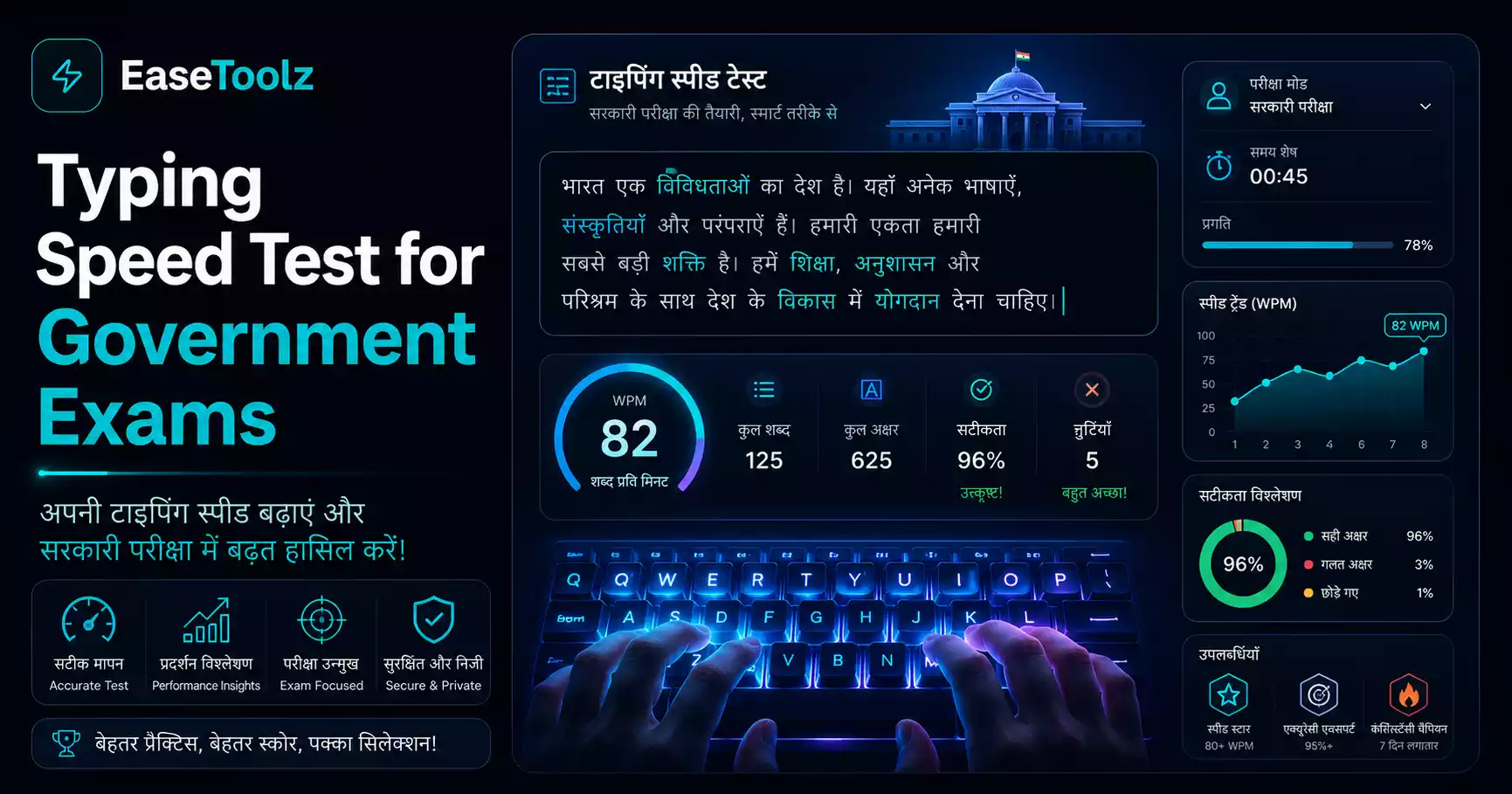
For most central government typing tests (SSC CHSL, SSC CGL Data Entry Operator), you need 35 words per minute in English or 30 words per minute in Hindi. These aren't optional — missing the typing requirement disqualifies you even if you cleared all the written rounds. The good news: this is a skill you can build with consistent daily practice, and a browser-based typing speed test lets you practice as many times as you want.
Quick answer: SSC requires 35 WPM in English or 30 WPM in Hindi. Practice daily for 20–30 minutes, focusing on accuracy over speed first. Use a timed test to simulate exam conditions. Most people reach the required speed in 4–8 weeks of consistent practice.
Typing speed requirements for common government exams
Different exams have different requirements. Know exactly what you're working toward:
SSC (Staff Selection Commission)
- SSC CHSL (Data Entry Operator): 8,000 key depressions per hour (roughly 26–30 WPM)
- SSC CHSL (Lower Divisional Clerk / PA / SA): 35 WPM in English or 30 WPM in Hindi
- SSC CGL (Data Entry Operator): 15,000 key depressions per hour (~42 WPM equivalent)
IBPS (Banking exams)
- Clerical Cadre: 20 WPM (this is the minimum — competition is higher in practice)
Railway Recruitment Board (RRB)
- Junior Clerk cum Typist / Account Clerk cum Typist: 30 WPM in English or 25 WPM in Hindi
State government exams
Requirements vary by state. Many state PSC and secretariat exams require 30–40 WPM. Check your specific exam notification for the exact requirement.
Key depressions per hour vs WPM: Many government exams specify "key depressions per hour" rather than WPM. Standard conversion: 1 WPM ≈ 290 key depressions per hour (based on average 5-character words plus spaces). So 8,000 KDPH ≈ 27 WPM.
How the typing test works in government exams
Understanding the exam format helps you practice the right way:
Passage-based typing: You're given a printed passage (usually 300–500 words) and must type it on a computer within a set time. The passage is displayed on screen. You type it exactly as shown, including punctuation.
Key depressions method: Every keystroke counts — letters, spaces, punctuation, backspace (penalties for errors). This is different from WPM tests that measure net correct words.
Error allowance: Most exams allow 5% errors. Errors above this threshold reduce your effective speed. Aim for 97%+ accuracy in practice, not just raw speed.
Software used: Government typing tests often use specific software (like Godrej or ISM for Hindi, or the exam's custom software for English). Practice on similar software if possible — the interface affects performance.
Building speed: a realistic practice schedule
If you're currently typing at 15–20 WPM and need to reach 35 WPM:
Week 1–2: Foundation
- Practice 20–25 minutes daily
- Focus on accuracy, not speed. Type slowly but correctly.
- Learn home row position if you haven't (ASDF JKL;)
- Don't look at the keyboard
Week 3–4: Building speed
- Increase to 30 minutes daily
- Start timed tests — 2-minute tests to check progress
- Practice common word combinations (the, and, that, have, for, not)
- Identify which keys slow you down and drill those specifically
Week 5–6: Exam simulation
- Practice with full-length passages (5–10 minutes)
- Simulate exam conditions: timed, no corrections allowed (or limited)
- Check your accuracy rate, not just speed
- Target 5% above your required score as a buffer
Week 7–8: Consolidation
- Daily maintenance practice (20 minutes)
- Focus on consistency — hitting the target speed every session, not just sometimes
- Practice under pressure (with a timer, no pauses)
A friend preparing for SSC CHSL was stuck at 22 WPM for weeks. She kept trying to type faster and her errors would pile up, actually slowing her net speed. She switched to practicing accuracy first — typing at a pace where she could maintain 98% accuracy, which meant deliberately slowing down. Within two weeks her speed improved because her fingers were learning the patterns correctly instead of learning the wrong patterns fast. She cleared the typing test.
Online tools for practice
Typing Speed Test — Browser-based, free, no signup. Timed tests with accuracy tracking. Use this for daily practice and regular progress checks.
TypingMaster: Desktop software with structured lessons. Good for building from scratch.
Keybr.com: Adaptive practice — focuses on letters where you're weak. Good for filling specific gaps.
10FastFingers.com: Competitive typing with common word lists. Good for building speed once you have accuracy.
Hindi typing requirements and practice
For Hindi typing tests, you need a specific keyboard layout. Two main options:
Mangal (Unicode) on Remington Gail or Remington CBI layout — The standard for most government exams. Learn which layout your specific exam uses.
Krutidev — Older encoding, used by some state exams. Incompatible with Unicode-based exams.
Government exam notifications specify which font/layout is required. Practice on that exact layout to avoid wasting time on the wrong one.
Hindi typing speed is typically measured at 25–30 WPM (slightly lower than English requirements) because Hindi characters require more keystrokes.
Common mistakes that slow you down
Looking at the keyboard — Your eyes should be on the screen. Train your fingers to know where keys are. Cover your hands with a cloth during practice if you can't stop peeking.
Tense fingers and wrists — Typing with tension slows you down and causes errors. Relax your hands. Take breaks.
Trying to go too fast too soon — Speed comes from accuracy. Accurate typing is fast typing — you don't backspace, you don't retype.
Inconsistent practice — 30 minutes every day beats 3 hours on Sunday. Muscle memory builds through repetition over time, not through occasional long sessions.
Frequently asked questions
How long does it realistically take to reach 35 WPM from scratch? If you practice 25–30 minutes every day, most people reach 35 WPM in 4–8 weeks. If you have some typing experience and are at 20+ WPM, 3–4 weeks of focused practice is usually enough. Consistency matters more than the length of individual sessions.
Is this completely free? Yes — no account, no payment, no watermark needed. You can use the typing test as many times as you want.
Do my files get uploaded to a server? Not applicable — the typing speed test doesn't involve any file uploads. Everything runs directly in your browser.