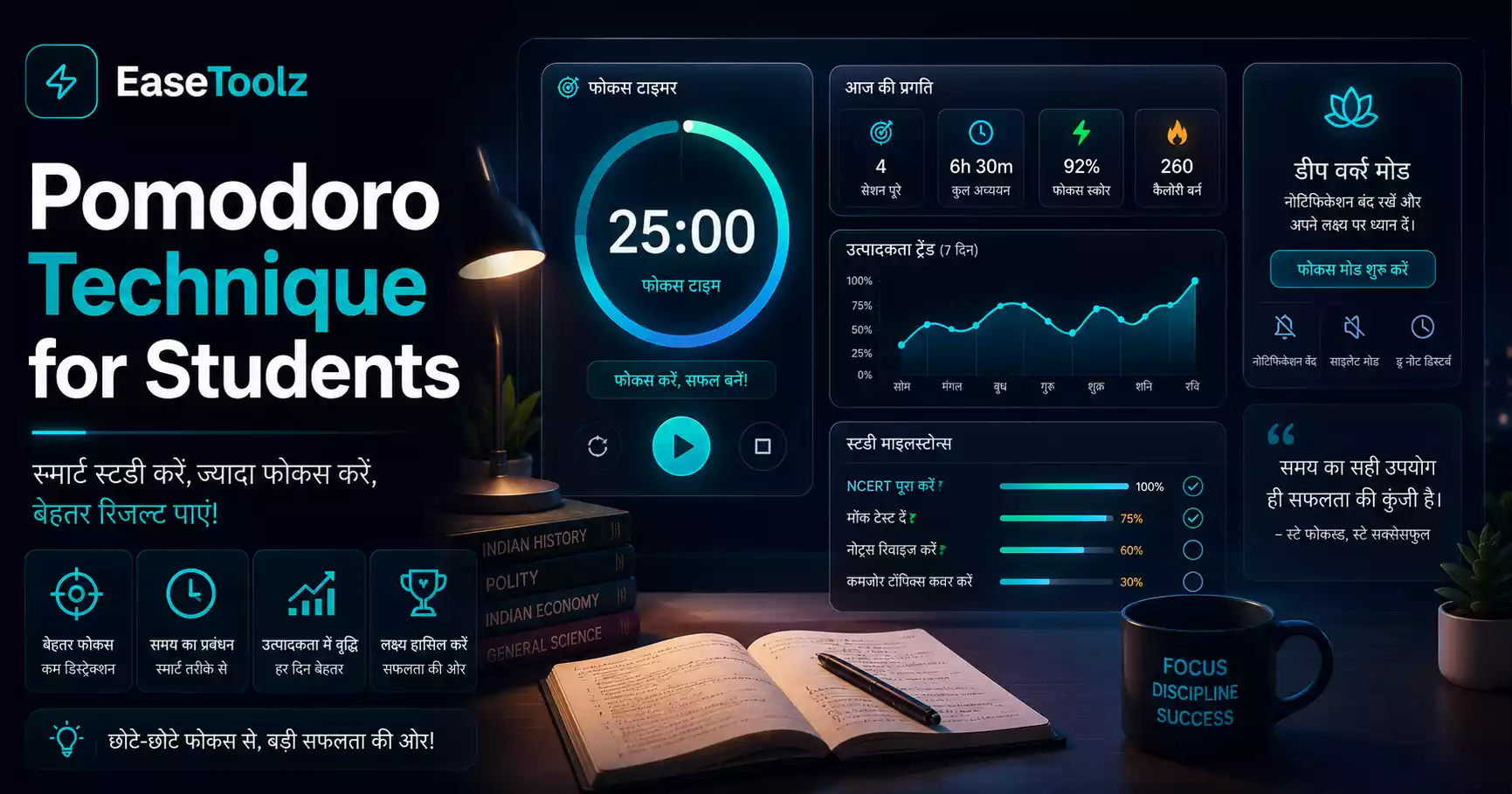
The Pomodoro technique works by making a large, overwhelming study task feel manageable — you commit to just 25 minutes of focused work, then you get a real break. Most students who struggle to sit down and study find that starting is the hardest part. Pomodoro solves that. Use a Pomodoro timer in your browser to run the sessions — free, no download, works on any device.
Quick answer: Work for 25 minutes, take a 5-minute break, repeat 4 times, then take a longer 20–30 minute break. That's it. The timer does the tracking. The discipline is putting your phone face-down for those 25 minutes.
What is the Pomodoro technique?
Francesco Cirillo invented it in the late 1980s using a tomato-shaped kitchen timer (pomodoro means tomato in Italian). The core structure:
- Choose one task to work on
- Set a timer for 25 minutes
- Work on that task with complete focus until the timer rings
- Take a 5-minute break (stand up, stretch, get water — not social media)
- Repeat
- After 4 Pomodoros, take a longer break of 20–30 minutes
Each 25-minute session is one Pomodoro. The short breaks are mandatory — they're part of what makes the technique work.
Why it actually helps students
Removes the overwhelm of big tasks. "Study for finals" is paralyzing. "Study for 25 minutes" is something you can do right now.
Creates urgency. When you know you only have 25 minutes, you stop fiddling with your notes app and just study.
Makes breaks guilt-free. You've earned the 5-minute break. Taking it isn't procrastinating — it's part of the system.
Prevents burnout. Long unbroken study sessions lead to mental fatigue faster than structured sessions with breaks. Your retention is better.
Helps track actual study time. "I studied for 3 hours" is vague. "I completed 5 Pomodoros of organic chemistry" is concrete — and you can look at that number at the end of the day.
How to use Pomodoro for different study scenarios
For reading textbooks: One Pomodoro per section or chapter. Define the reading unit before you start, so you have a clear stopping point.
For problem sets (math, physics, accounting): One Pomodoro per topic or per set of practice problems. Set a number of problems to complete, not just "work on problems."
For essay writing: First Pomodoro: outline. Second Pomodoro: write introduction + first body paragraph. Continue section by section. Writing in chunks like this avoids the paralysis of staring at a blank page.
For memorization (vocabulary, dates, formulas): Pomodoro is excellent here. 25 minutes of active recall (not passive rereading), 5-minute break, next 25 minutes review what you got wrong.
For exam revision: The day before an exam, plan your Pomodoros in advance. "Pomodoro 1–2: Chapter 3 review. Pomodoro 3–4: Practice problems. Pomodoro 5: Chapter 7 review." Knowing the structure reduces the decision fatigue of figuring out what to study next.
I used Pomodoro extensively during final exam season at university. The subject I found hardest was econometrics — dry material, lots of derivations, easy to lose focus. Without Pomodoro, I'd sit at my desk for 2 hours and spend half of it drifting. With Pomodoro, I did 4 sessions of focused work (2 hours total with breaks) and covered substantially more. The breaks weren't optional — I used them, even when I felt like continuing. And I consistently felt less drained after a Pomodoro session than after an unstructured one of the same length.
What to do during the 5-minute break
This matters more than people think. The break works best when you genuinely step away from the study material:
Good break activities:
- Stand up and stretch
- Get water or a snack
- Walk to the kitchen and back
- Look out a window at something far away (good for eyes)
- Do a few push-ups or jumping jacks
Bad break activities:
- Check social media (you won't stop in 5 minutes)
- Respond to messages (mental context switch is hard to reverse)
- Watch a quick video (impossible to stop at 5 minutes)
- Start a different studying task
The point of the break is to let your brain rest. Social media doesn't rest your brain — it engages a different part of it in a way that's actually fatiguing.
Adjusting the timing to fit you
The 25/5 split is the default, but it's not sacred. Common variations:
50/10 split: Some people find 25 minutes too short — just as they're getting into flow, the timer goes off. 50-minute sessions with 10-minute breaks work better for them.
45/15 split: Similar logic. Works well for technical subjects that take time to "load" into working memory.
30/5 split: A slight extension that gives a bit more time per session without changing the break rhythm much.
For beginners: Start with 25/5. If you find yourself unable to maintain focus for 25 minutes, start with 20/5 and work up. If you regularly find 25 minutes too short, try 45/10.
Using a Pomodoro timer
Any timer works — your phone's built-in timer, a physical kitchen timer, or a browser-based app. A browser-based Pomodoro timer has the advantage of running on your computer while you study, automatically switching between work and break timers, and tracking how many Pomodoros you've completed in a session.
During the work timer: full focus on one task. No notifications, phone face-down.
Planning your study sessions with Pomodoro
Before a study session, decide:
- How many Pomodoros are you aiming to complete? (Be realistic — 4–6 for an average session)
- What specific topic or task for each Pomodoro?
- When will you start and end?
Planning takes 2 minutes and makes the session much more productive. You're not deciding what to do next — you're executing the plan.
Frequently asked questions
What if I get interrupted during a Pomodoro? For unavoidable interruptions (someone needs you urgently), stop the timer and note the interruption. Restart the Pomodoro from scratch — a broken Pomodoro doesn't count. For self-interruptions (suddenly wanting to check something), write it down on a "distraction list" to look at later, and continue the Pomodoro. Train yourself to postpone, not act on every impulse.
Is this completely free? Yes — no account, no payment, no watermark needed. You can use the timer as many times as you want.
Do my files get uploaded to a server? Not applicable — the Pomodoro timer is a browser-based timer with no file handling. Nothing gets uploaded anywhere.