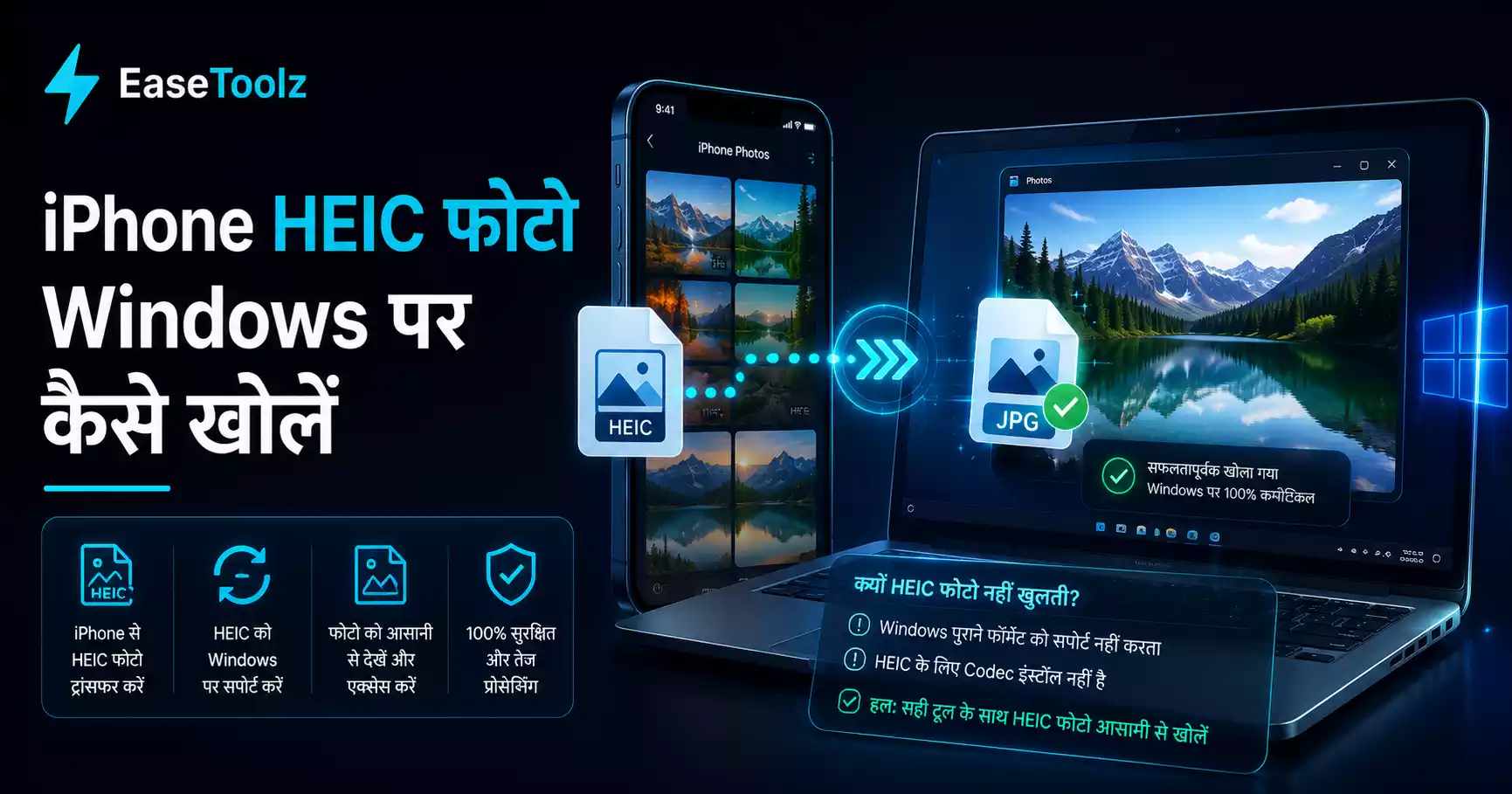
When an iPhone user sends you a photo through WhatsApp and you open it on Windows, the file has a .heic extension and nothing will open it. The fix is simple: convert it to JPG in your browser in about 5 seconds — no software install, no upload required.
Quick answer: Drop the HEIC file into a HEIC to JPG converter in Chrome. It converts locally in a few seconds, no upload needed. Or install the free HEIF extension from the Microsoft Store once, and Windows will open HEIC files natively forever after.
Why does this happen?
Since iOS 11, iPhones save photos in HEIC format by default. It saves about 50% more storage compared to JPG. But Windows wasn't designed to open HEIC files natively — Microsoft treats it as an add-on feature.
When someone with an iPhone sends you a photo through WhatsApp, they're usually sending the original file. If their iPhone is set to HEIC format, you get a HEIC file. WhatsApp doesn't automatically convert it.
What's the fastest fix right now?
The fastest solution that works in any browser:
- Open a HEIC-to-JPG converter in Chrome
- Drag your HEIC file onto it, or click to browse to it
- It converts in a few seconds, right in your browser
- Download the JPG
Your photo is never uploaded anywhere — the conversion happens locally using your browser's processing power. This matters because these are personal photos from people you're chatting with.
Is there a permanent fix so I never have to convert again?
Microsoft does have a HEIC codec available — it just isn't installed by default.
- Open the Microsoft Store
- Search for "HEIF Image Extensions"
- Install the free extension
After installing, Windows Photos and many other apps can open HEIC files directly. You won't need to convert anymore — they'll just open.
Note: There's also a paid "HEVC Video Extensions" pack if you want to play HEVC videos. But for just opening HEIC photos, the free HEIF extension is enough.
What if the Microsoft Store is blocked on my work computer?
Some work computers have the Microsoft Store disabled by IT. In that case:
- Use a browser-based converter (as described above) — this always works
- Ask your IT department to install the HEIC codec
- Or: ask the sender to send in JPG (more on this below)
Can I ask the sender to switch to JPG going forward?
Yes. If you frequently receive photos from an iPhone user, you can ask them to change their iPhone settings so photos are sent as JPGs:
- On their iPhone: Settings → Camera → Formats → Most Compatible
- Now photos are saved as JPG from the start
Or, an easier option for one-time sharing: iPhone users can go to Settings → Photos → scroll down to "Transfer to Mac or PC" → select "Automatic". When they connect to a PC, iOS will convert to JPG automatically.
For WhatsApp specifically, iPhones often compress and convert photos when sending them as a regular message — but when you share a file directly (through the attachment icon, not as a photo message), the original HEIC file might be sent.
I've had this happen with family group chats — someone sends "a photo from last weekend" and you download something your computer refuses to open. Takes about 30 seconds to convert it online. Once you show family members the camera format setting, it usually solves the problem for good.
What if I have many HEIC files to convert?
If you've been downloading photos for a while and have a folder full of HEIC files:
- Use a bulk image converter — drop all HEIC files at once
- It processes them and downloads a ZIP file with all the JPGs
- Unzip and you're done
Converting 20 photos this way takes about the same time as converting 1.
What other programs can open HEIC without converting?
If you'd rather not convert and just want to view the photos:
- IrfanView (free) — Install the plugins pack and it handles HEIC
- GIMP (free) — Can open HEIC with the right plugin
- VLC (free) — Primarily a video player but can display images
- Adobe Photoshop — Supports HEIC natively in newer versions (paid)
For most people, either installing the Microsoft Store HEIC extension or using a browser converter is the simplest path. No additional apps needed.
Quick comparison
| Method | Works Without Software? | One-Time Setup? |
|---|---|---|
| Browser converter | Yes | No setup needed |
| Microsoft Store HEIC extension | No | Yes (install once, works forever) |
| IrfanView | No | Install IrfanView + plugins |
| Ask sender to use JPG | Yes | Ask them once |
The browser converter is the best short-term fix. The Microsoft Store extension is the best long-term fix if you regularly receive iPhone photos on your Windows machine.
Frequently asked questions
Why doesn't WhatsApp automatically convert HEIC to JPG? WhatsApp sends the original file format the phone uses. iPhones default to HEIC since iOS 11. Some WhatsApp versions do convert when sending as a standard photo message, but file attachments preserve the original format.
Is this completely free? Yes — no account, no payment, no watermark needed. You can use it as many times as you want.
Do my files get uploaded to a server? No. Everything runs directly in your browser using WebAssembly. Your files never leave your device.