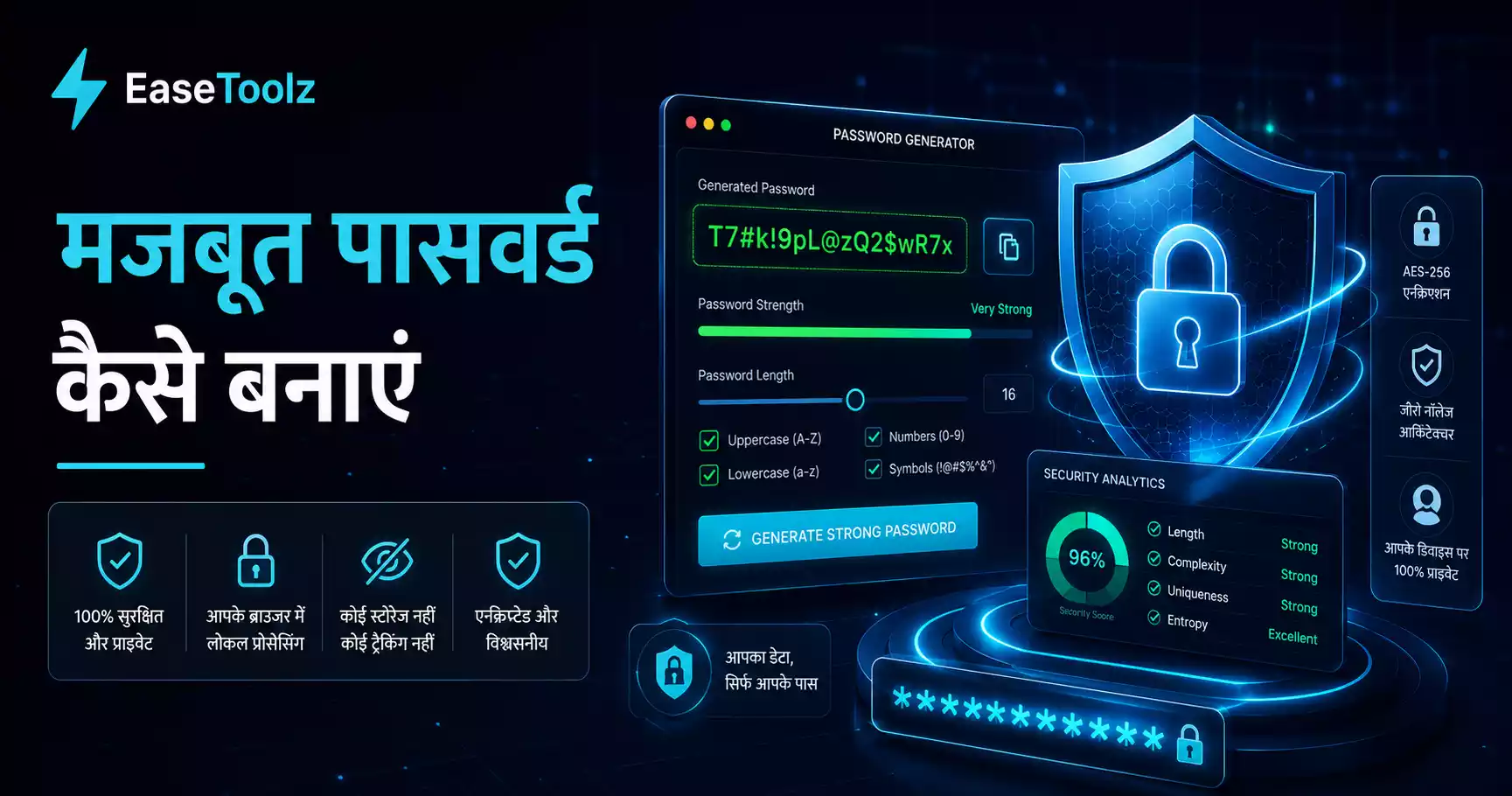
The easiest way to have strong passwords on every account is a password manager — it generates 20-character random passwords and remembers them for you. You only need to remember one strong master password. If you're not ready for that, the passphrase method (four random words) is the next best option and easier to remember than "P@ssw0rd123".
Quick answer: Use Bitwarden (free, open-source) to generate and store unique random passwords for every account. Your master password should be four genuinely random words like "umbrella-fortress-ceramic-penguin" — long and memorable without being guessable.
What makes a password strong?
A strong password is hard to guess and hard to crack. Two factors matter most:
Length: The biggest factor. Each additional character exponentially increases the time needed to crack a password by brute force. A 12-character password with a mix of characters is astronomically harder to crack than an 8-character one.
Unpredictability: Using random characters, not dictionary words. "Correct Horse Battery Staple" (four random words) is stronger than "P@ssw0rd!" because it's longer and harder to predict, even though it uses actual words.
What makes a password weak?
- Any dictionary word alone: "sunshine", "dragon", "password"
- Personal information: birthday, pet name, street name, name of a family member
- Simple patterns: "123456", "qwerty", "abcabc"
- Short passwords: anything under 10 characters is vulnerable
- Reusing passwords: if one site is breached, all accounts with that password are at risk
What's the passphrase approach?
Take 4 random words and combine them:
correct-horse-battery-staple (this is an example from XKCD — don't use this specific one)
How to generate one:
- Think of 4 completely unrelated words
- Add a number and symbol somewhere:
correct-horse7-battery-staple! - 30+ characters, easy to remember, almost impossible to crack
The trick is the words need to be truly random, not related to each other or to you. "Summer holiday beach tan" is a bad passphrase because those words naturally go together and can be guessed.
Good random words: "umbrella-fortress-ceramic-penguin" Bad words: "my-dog-fluffy-love"
What's the best approach for most people?
For most people, the best approach is:
- Use a password manager (free options: Bitwarden, KeePass)
- Generate a random 16+ character password for every site
- You only need to remember the one master password for the manager
You never have to remember "X7#mK2$pL9&qR5@n" — the password manager does that.
This is the gold standard for password security. Every account has a unique, random, long password. A breach of one site doesn't compromise any other.
I used to think password managers were only for tech people — complex setup, too much to learn. Then I tried Bitwarden. The browser extension auto-fills passwords and it took maybe 30 minutes to migrate my main accounts. Now I genuinely don't know most of my passwords, and that's exactly how it should be.
What are the free password manager options?
Bitwarden (free): Open-source. Works on all devices. Syncs across devices. Has a web vault. Probably the best free option. Generates strong random passwords. Auto-fills in browsers.
KeePass (free): Open-source. Stores passwords in a local file (more private, no cloud). Requires manual sync across devices. Good for people who don't trust cloud storage.
Browser-built-ins (Chrome, Safari, Firefox): All major browsers now have password managers. They're convenient because auto-fill just works. The weakness is they're tied to that browser's ecosystem.
How do I generate a secure password without a tool?
If you need a secure password right now:
- Think of a random sentence: "My cat sleeps on the roof at 3am!"
- Take the first letter of each word + the number + punctuation: "Mcsotrai3!"
- Add some more characters: "Mcsotrai3!k9B"
This pattern is memorable (you know the sentence) but looks random to an attacker.
Or use a browser-based password generator:
- Choose length (16+ characters)
- Include uppercase, lowercase, numbers, symbols
- Generate and copy
Good browser-based generators use your device's cryptographically secure random number generator, so the passwords are truly random.
How often should I change passwords?
Old advice was to change passwords every 90 days. Security experts have largely moved away from this because:
- Forced regular changes lead to weaker passwords (people just add "1" at the end)
- If there's no breach, there's no security benefit to changing
- If there IS a breach, the site will tell you to change it
When you should change a password:
- After a known breach (sign up for HaveIBeenPwned.com notifications)
- If you suspect your account has been accessed
- When you realize you've shared a password with someone who shouldn't have it
- When your master password manager password might be compromised
Otherwise, a strong unique password doesn't need to be changed on a schedule.
Should I use two-factor authentication?
Even the best password can be phished — tricked from you by a fake login page. Two-factor authentication means an attacker also needs a second thing (your phone, a hardware key) even if they have your password.
Enable 2FA on:
- Email accounts (most important)
- Password manager
- Banking and financial accounts
- Social media accounts
- Work accounts
Use an authenticator app (Google Authenticator, Authy) rather than SMS codes when possible. SMS 2FA is better than nothing, but SIM-swapping attacks can bypass it.
The practical bottom line
- Use a password manager — Bitwarden is free and excellent
- Let it generate unique random passwords for every site
- Remember only your master password (make it a long passphrase)
- Enable 2FA on your most important accounts
This approach is both more secure and less mentally taxing than trying to remember multiple complex passwords. The goal isn't to make security complicated — it's to make the secure choice the easy choice.
Frequently asked questions
What if I forget my password manager master password? Most password managers have an account recovery process (email verification, emergency kit). Bitwarden lets you set up an emergency access contact. Write down your master passphrase and store it somewhere secure physically — not on your phone.
Is this completely free? Yes — Bitwarden and KeePass are fully free. A browser-based password generator is also free, no account required.
Do my passwords get uploaded anywhere? With KeePass, no — everything stays local. With Bitwarden, your passwords are encrypted before they leave your device, so even Bitwarden can't read them.